How to Use Construction Photos to Support Payment Applications Without Overstating the Evidence
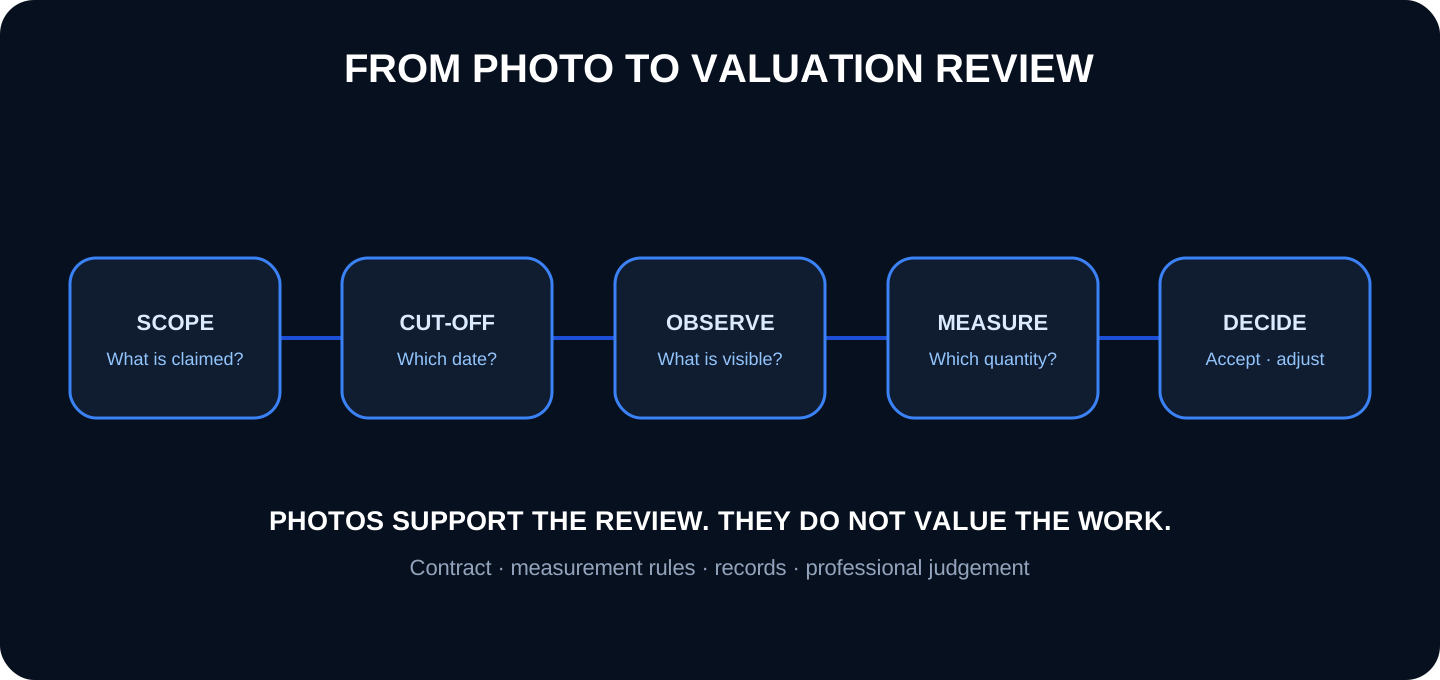
Photographs can show what was visible in an area on a given date, help compare progress and guide a review. They do not calculate quantities or approve work items: they must be linked to the contract, measurements, programme, quality records and a documented decision.
1. What a photograph can show—and what it can't
An image can support that a certain work was visible, at a place and time, with an apparent state. A comparable sequence can help recognize change between visits. It can also show access, stockpiles, pre-closing work, or a condition that requires verification.
It does not automatically demonstrate percentage executed, contractual measurement, compliance with specifications, ownership of materials, absence of defects, acceptance or right to payment. The RICS practical information on interim valuations places the photographs within a process that includes contract, payment mechanisms, visit, evaluation and registration of adjustments.
The photograph supports the observation. The valuation is completed with contractual rules, measurement and professional judgment.
2. Prepare the review before looking at the photos
Identify contract, application, period and cut-off date.
Use the current version of the pricing table or value planning.
Defines measurement rules, retentions, stockpiled materials and provisional items.
Separates base work, approved changes, work pending agreement and repairs.
It brings together plans, parts, tests, inspections and previous certification.
The same photograph can be interpreted differently if the scope or date changes. Do not mix post-cut images with evidence from that period without clearly identifying them.
3. Capture protocol for comparable review
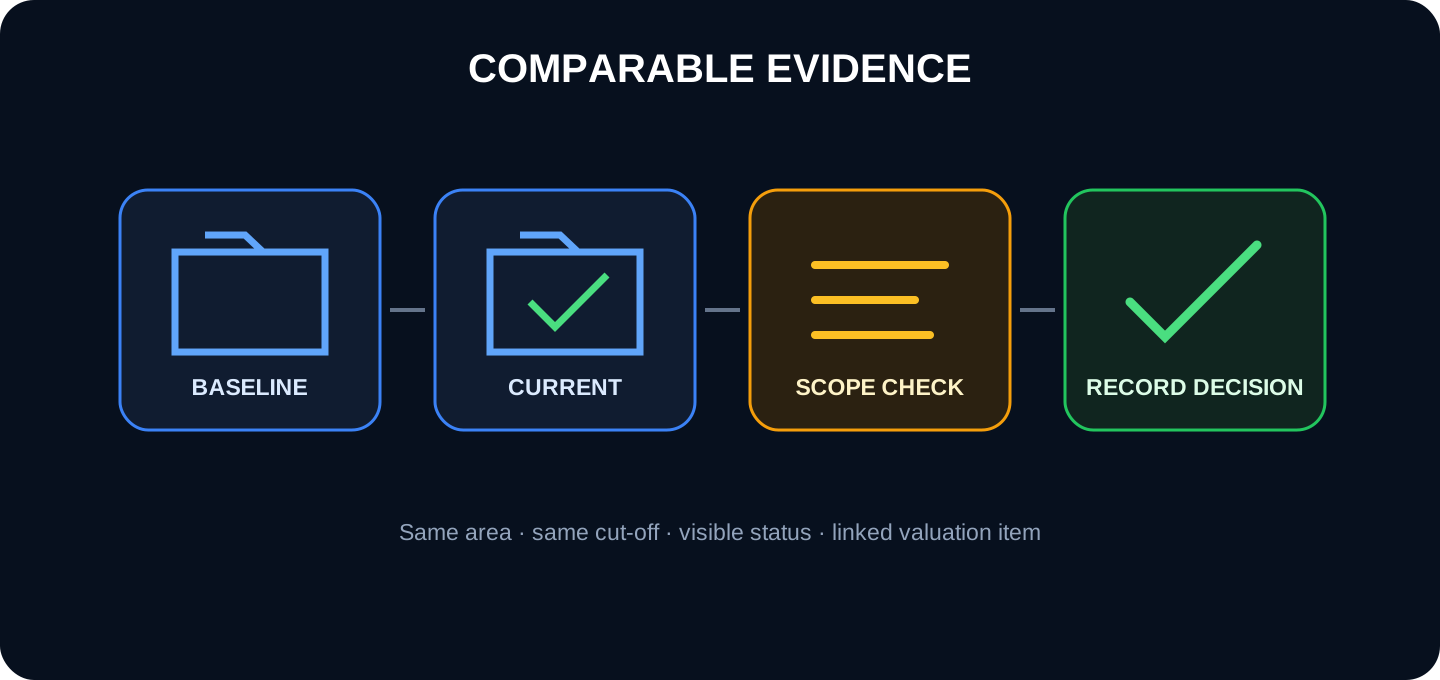
The comparison works when reference and current capture represent the same area and the same review criteria.
Plan checkpoints by area and game. Take a general view, another that locates the element and details only when they explain the state. Repeat framing and orientation from the previous visit whenever possible. Records work carried out since the last cut, not just the most favorable areas.
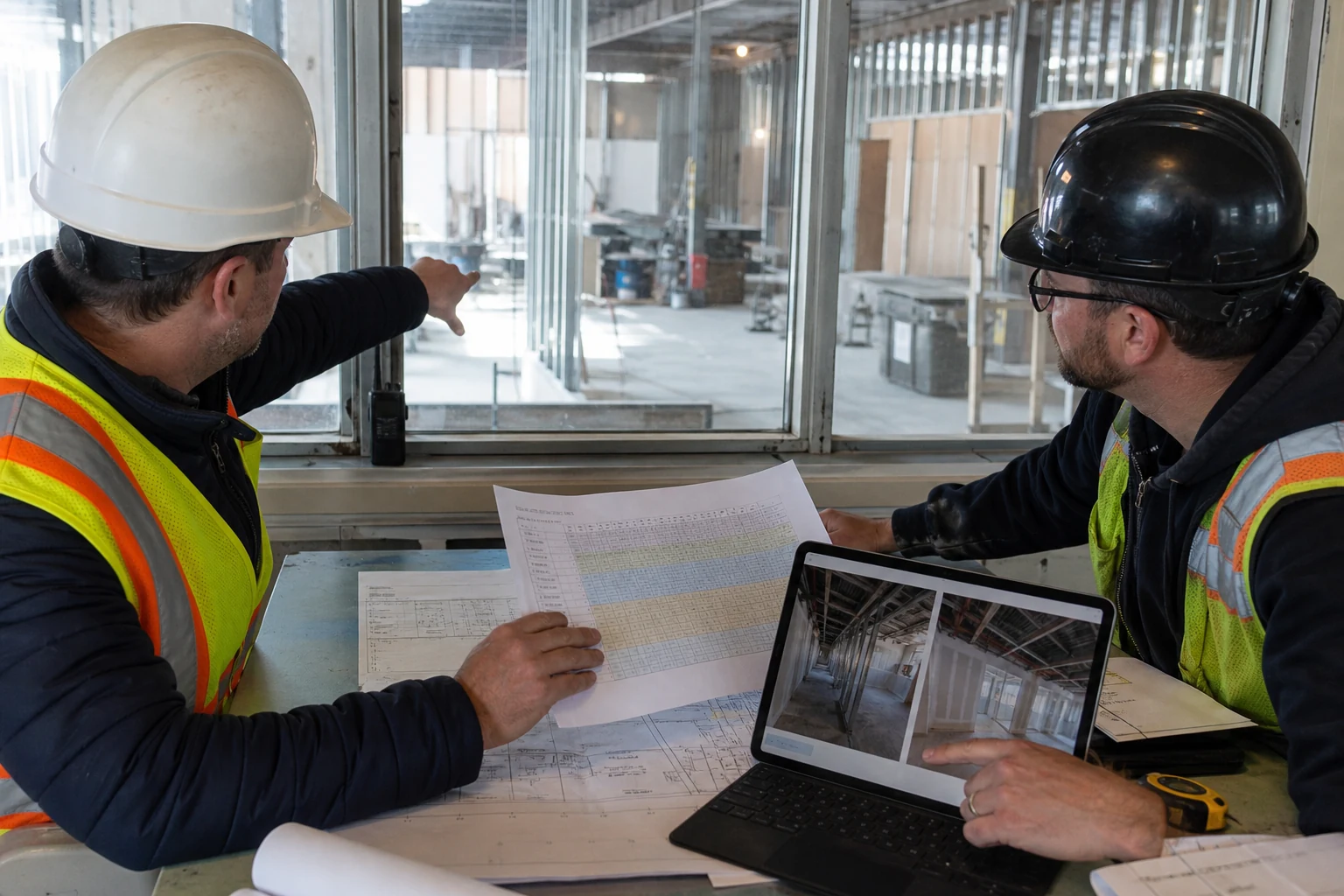
Editorial photography generated by AI. The visual review contributes more when contrasted with plan, cut and departure.
4. Relate images to games, areas and documents
Do not attach a generic folder to the entire certification. Prepare selections by item or package with identifier, location, date, factual description and measurement reference. An image can support several games, but it indicates which aspect is reviewed in each case.
Relates to plan, measurement sheet, journal report, inspection, test, change order or non-conformity. If the claimed work cannot be unambiguously located, please ask for clarification before concluding.
Fact
Example
Control
Departure
Current code and description
Do not use obsolete codes
Area
Building, floor, axis, room
Check pin or plane
Court
Contractual valuation date
Separate subsequent photos
State
Not started, partial, finished, not observable
Do not infer outside the frame
Reference
Measurement, plane, part, test
Current version
5. Why watching a game is not the same as measuring it
Perspective, occlusion, and lack of scale make an ordinary photograph inadequate for accurately calculating quantities. Even a calibrated orthophoto, model or capture requires method, tolerances and review. Use the agreed upon measurement procedure and keep the photo for context.
For unit items, relate identifiable elements to the list. For surfaces or lengths, provide marked plans and measurements. For percentages, define objective milestones—supply, assembly, testing, acceptance—rather than estimating by appearance.
Ruler: “it looks executed” and “it is certifiable” are different statements. It may be missing measurement, testing, documentation, acceptance, or out of cut.
6. Jobs that will be hidden
Captures installations in false ceilings, gaps, reinforcement, waterproofing, anchors and previous layers before closing. Place the sequence on the plan and photograph required tests or controls. Once hidden, the photo improves traceability, but does not replace a mandatory prior inspection.
7. How to deal with discrepancies without turning the review into an image discussion
When the request, observation and measurement do not match, record the difference by item and area. Distinguishes: non-visible work; out of date photo; unidentified scope; quantity pending measurement; pending quality; unapproved change; or insufficient information.
Request the specific evidence that is missing and establish the person responsible and the deadline. Don't use a single image to accept or reject an entire package. RICS recommends retaining photographic records in the valuation folder and documenting any adjustments made to the application.
8. Record the decision and retain an auditable trail
The final selection must allow us to reconstruct what was requested, what was observed, what was measured, what was adjusted and who decided. Preserve date, version, comments, references and any reservations. Do not overwrite the original request with the result.
Separate construction photos, evidence used and certification annexes. Applies access, conservation and delivery in accordance with the contract. Images with people or sensitive information need appropriate purpose and permissions.
9. How Pic on Site can help
1. Gather the period and the previous reference
Filter by dates and retrieve the control points for each area.
2. Check the location
Use a georeferenced map or plan and validate coordinates, especially indoors.
3. Search for related images
Visual search can narrow down candidates; a person confirms scope and correspondence.
4. Prepare a selection
Download or share the relevant photos with departure, area, date and measurement reference.
Product limit: Pic on Site does not measure quantities, does not calculate amounts, does not approve certifications, does not interpret the contract and does not substitute the assessment of the competent person.
10. Photographic review checklist
Contract, game, version and cut-off date are identified.
The photos correspond to the correct project and period.
Zone and element can be located.
Reference and current capture are comparable.
Hidden jobs were documented prior to closure.
The amount comes from the agreed method, not from a visual impression.
Quality, testing and acceptance are verified separately.
Claimed, observed, measured and accepted are differentiated.
Settings, responsible and decision are preserved.
11. Frequently asked questions
Is a photo enough to certify?
No. Supports the observation, but the right and amount depend on contract, measurement, quality, cut and acceptance.
Can I calculate percentages by looking at photos?
Only if the contract defines observable milestones and they still need to be verified. Appearance is not a universal measurement method.
What do I do if the image is after the cut?
Identify it as later. It may clarify, but should not be presented as evidence of status on the valuation date.
Can the AI approve a game?
No. It can help you search or group images; The decision requires human review and applicable documents.