01 · Capture
Capture construction photos with your phone.
Take site photos with the Pic on Site mobile app. With valid GPS data, they appear on maps or drawings so you can find and review them later.

01 · Capture
Take site photos with the Pic on Site mobile app. With valid GPS data, they appear on maps or drawings so you can find and review them later.
02 · Drawings
When they contain valid GPS data, view each photo on the drawing and browse the visual record without losing its spatial reference.
03 · Organization
Classify images with useful tags so information stays organized and is easier to retrieve later.
04 · Visual search
Find images from the elements visible in them, even when you cannot remember when they were taken or how they were named.
05 · Coordination
Review the model alongside the site record so every check relates to a shared technical reference.
06 · Context
Review what was documented, where it happened, and how it fits into the overall progress of the project.
Everyone on the team keeps photos in a different place. When you need one, there is no reliable way to find it.
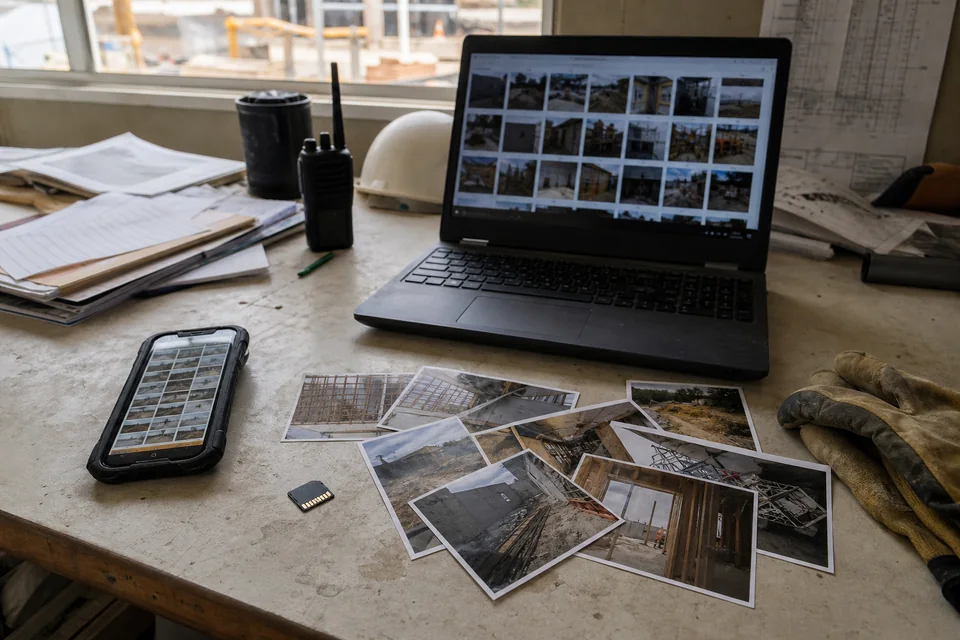
01 · Scattered
WhatsApp conversations, emails, personal folders, and phone galleries. Site photos are spread across dozens of disconnected places.
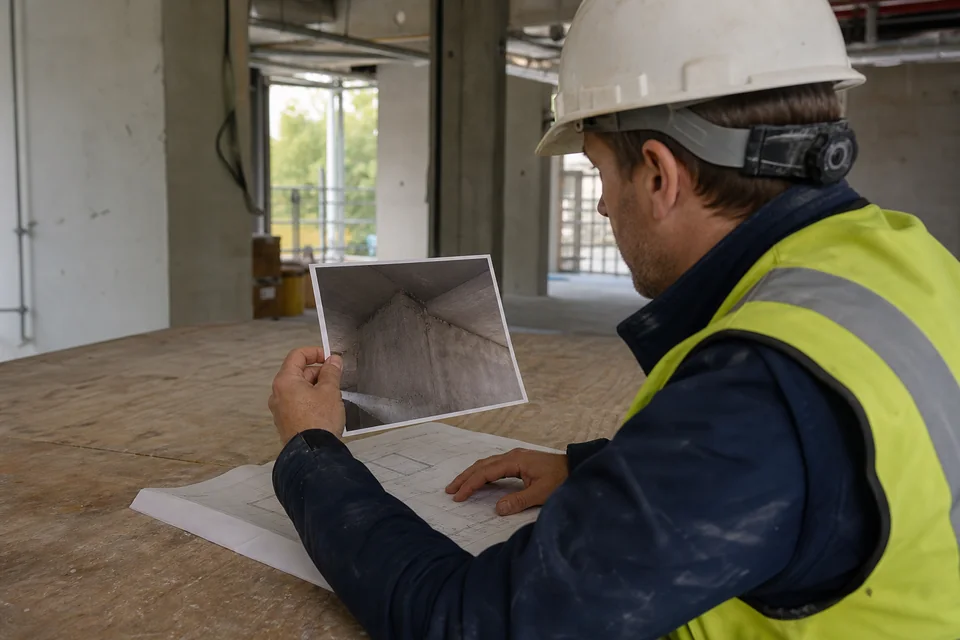
02 · No context
You see a photo but do not know where it was taken, the exact date, or who captured it. Without location and time, it loses much of its documentary value.
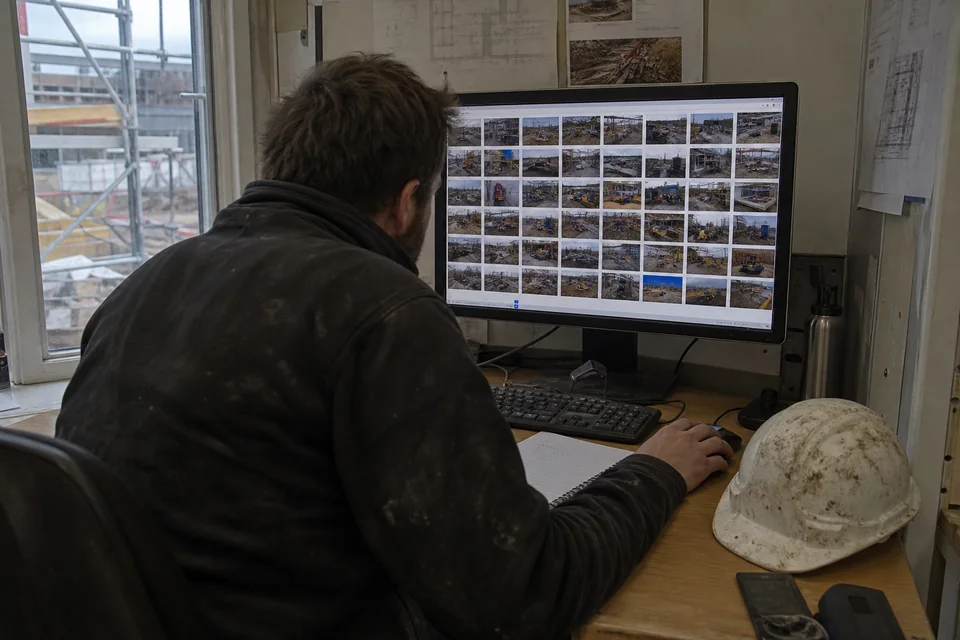
03 · Search
With thousands of photos in one folder, your only option is to remember an approximate date. Finding the image you need becomes a matter of luck.
As simple as taking a photo.
No complex setup and no extra hardware.
When photos contain valid GPS data, Pic on Site can place them automatically.

Enable GPS on your phone before visiting the site. Photos that store GPS coordinates can be placed automatically on the project.

Photograph construction details directly with your phone camera. No additional equipment required.

Upload the photos to the platform. The app reads their GPS metadata, while AI generates tags and a description for each image.

Photos with valid GPS data appear as markers on the map or georeferenced drawing. Photos without GPS remain available but are not placed automatically.

Browse the dates of each site visit. Compare any area's before and after state and follow the project's progress.

Type what you need — “copper pipes” or “column reinforcement” — and AI finds matching photos using automatically generated tags.
Direct answers about where Pic on Site fits and what it needs to work reliably on site.
Pic on Site is SaaS software for construction photo documentation. It centralizes smartphone photos, places them on maps or georeferenced drawings, and lets teams retrieve them by date, author, location, or visual content.
No. Pic on Site's core workflow is designed for teams that already use photos taken with a regular smartphone.
When a photo contains valid GPS metadata, Pic on Site can place it automatically on the project map or georeferenced drawing.
Photos without GPS data cannot be placed automatically. Capturing them with location enabled is therefore important when spatial traceability is required. For more detail, see what to do with construction photos without GPS.
Yes. Pic on Site includes AI-powered visual search so teams can find relevant photos without depending only on folders, filenames, or approximate dates.
Pic on Site is designed to document construction progress, prepare information for as-built models, locate concealed installations, record defects and issues, support payment applications, and share photographic evidence with the team.
To try Pic on Site at no cost
For small teams and first digital projects
For teams managing several projects in parallel
For corporate deployments or advanced needs
Custom pricing
Tailored to your needs
Pic on Site is in its validation phase. We are looking for site managers, technicians, architects, and BIM professionals who want to test it on real projects and help us improve it with feedback from the field.