Using Construction Photos to Support a Searchable As-Built Record
The goal is not to store more images. It is to retrieve the evidence relevant to a change or concealed element, link it to its location, and transfer the verified result into the drawing, model or record that will be handed over.
1. The operational problem
During execution, electricity, plumbing, air conditioning, fire protection, structure and envelope change or are hidden. Months later, the BIM or documentation team receives photos without a clear area, plans marked incomplete and contradictory versions.
The risk is not just wasting time. A position inferred from an ambiguous photo can be transferred to the model as if it were verified. Therefore the flow must separate observed evidence, verified location and approved document.
2. The information model
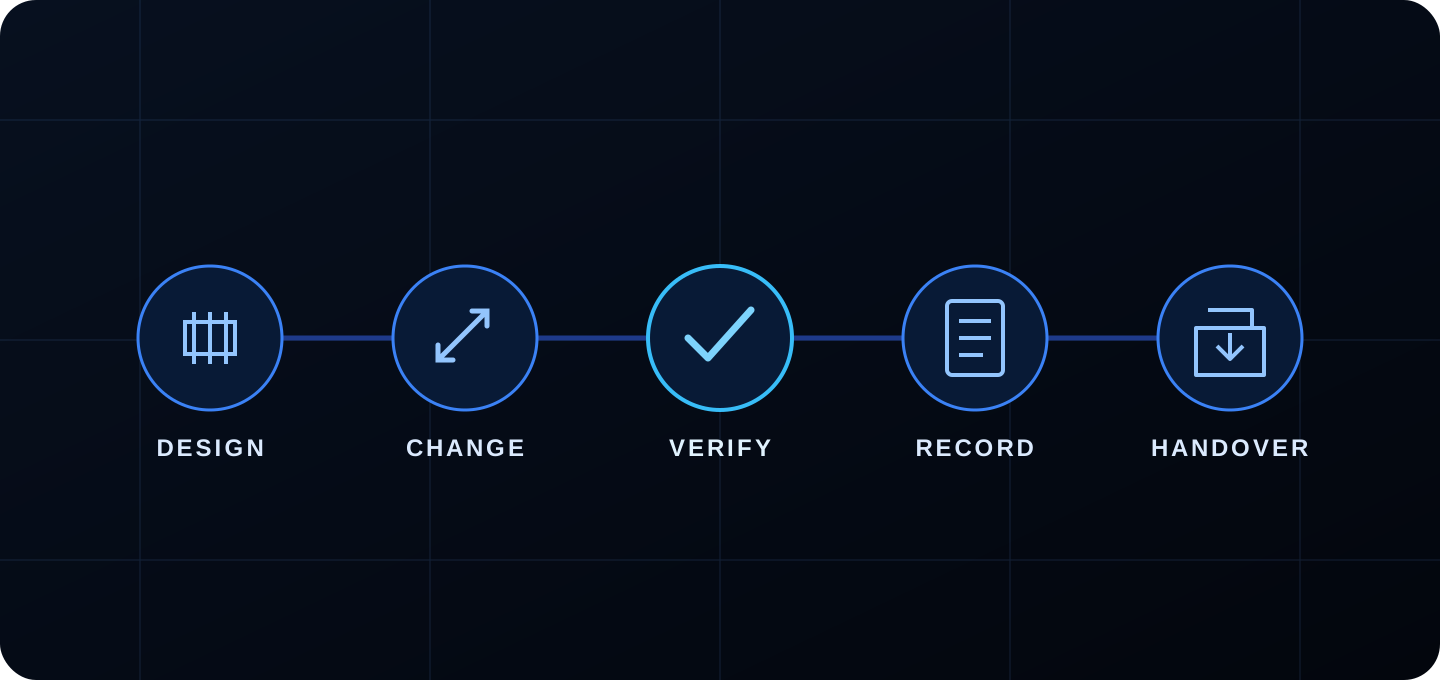
Photography supports the change and verification phases; The result must be incorporated into the record and the corresponding delivery.
Layer
Ask
Result
Design
What was planned and in what version?
Plan, model, specification
Change
What was changed and who authorized it?
RFI, order, marking, approval
Verification
What was executed and how was it verified?
Photo, inspection, test, survey
Record
Where is it incorporated?
Updated plan or model
Delivery
Can the receiver locate and use it?
Reviewed and indexed package
3. Capture on site: example of hidden installations
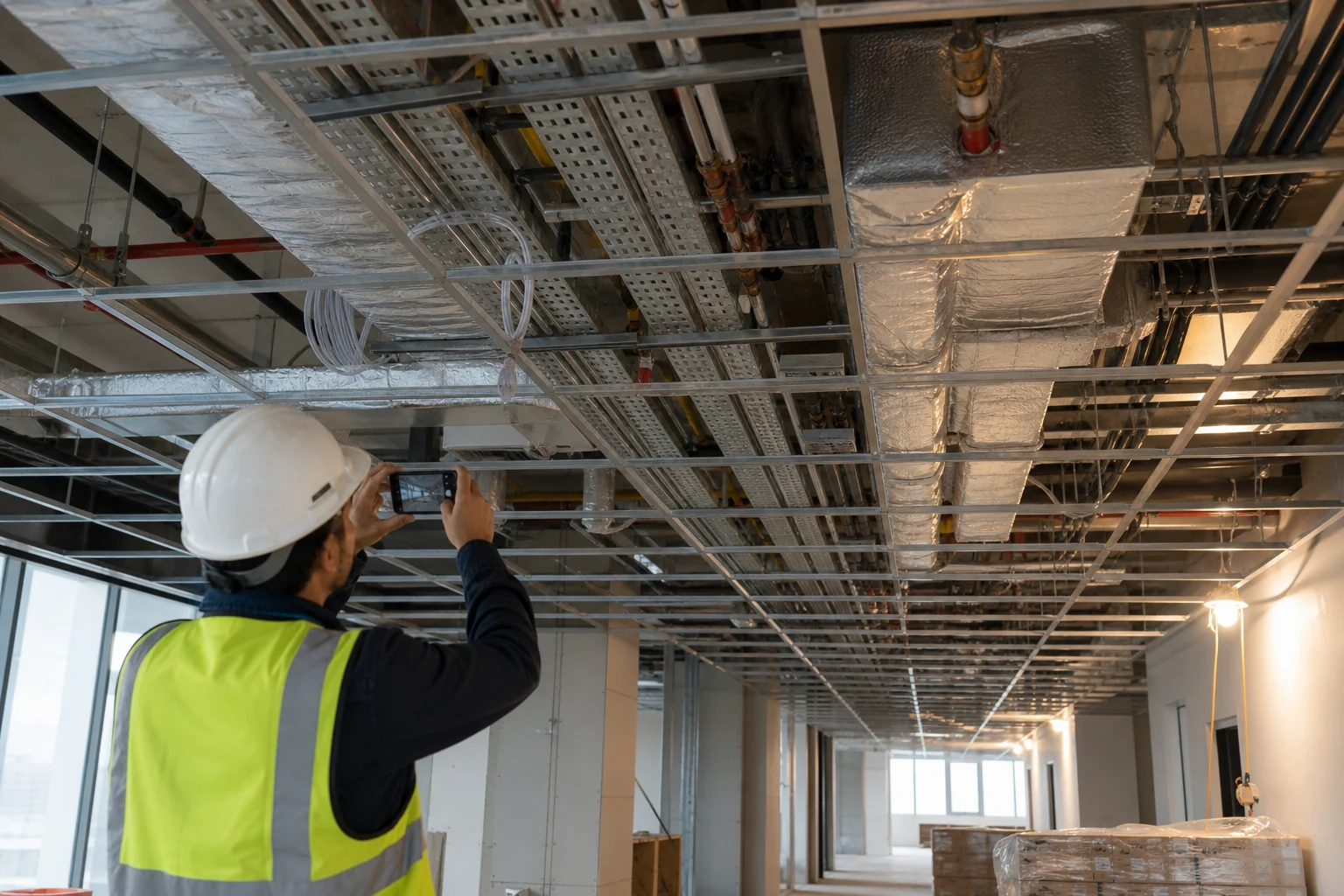
Before closing the false ceiling of a floor, the person in charge walks through each room following a list: general views, trays and ducts, pipes and valves, penetrations, supports, crossings, registers and changes with respect to the plan. Photos are taken while spatial references are still visible.
Editorial photography generated by AI. The capture is done before the element is hidden, without interfering with unsafe work.
Complete routes, boxes and derivations are documented in clearances and transfers, using corners, gaps or axes as reference. The guide on what photos to take of facilities details these families.
4. From photo to change log
Production identifies the change: area, discipline, base document and reason.
The authorized person resolves: accepts, rejects or requests information.
The device captures the executed state: context, detail, date and reference.
What is required is verified: inspection, testing, measurement or survey.
Documentation or BIM updates: incorporates the change into the controlled version.
Review checks correspondence: It is not enough for the model to “seem” coherent.
Key control: Do not change the status to “verified” just because a photo exists. The photo must correspond to the area and the verification method must be appropriate to the decision.
5. How to use Pic on Site inside the flow
Capture and reunion
Gather team photos into a common repository instead of leaving them on chats or devices.
Location and date
Filter by period and review a georeferenced map or plan. A valid GPS helps, but the inside position must be confirmed.
Visual search
Search for related content—for example, trays, pipes, or trusses—to narrow down the pool of candidates.
Selection for review
Prepare only images related to the change, inspection, or drawing being updated.
Product limit: Pic on Site does not convert photographs into a contractual model, does not confirm hidden dimensions and does not approve delivery As-Built.
6. Roles and responsibilities
Role
Usual liability
I shouldn't assume
Production / outsource
Capture, describe and communicate changes
Authorize them without competition
Quality/direction
Inspect and record acceptance or reservations
Infer unobservable parts
Topography / specialist
Verify geometry or tests when required
Validate out of scope
BIM / documentation
Incorporate controlled data and manage versions
Turn an ambiguous photo into fact
Ownership/maintenance
Receive, test and maintain information
Trust a gallery without an index
7. Quality controls before delivering
Sample critical areas by comparing photo, change and plan or model.
Search for duplicates, incompatible locations, and reliably undated files.
Check that each revision has a status and author.
Registers areas that are not accessible, not captured or not verified.
Try typical maintenance searches with someone outside the project.
Check formats, links, permissions, security and preservation.
The british guide to golden thread insists that regulated information be usable, accessible, secure and maintained; They are good test criteria even outside that specific area.
8. Useful indicators without misleading metrics
Percentage of concealment points captured before closure.
Changes executed with linked base document, approval and verification.
Average time to recover evidence from a specific area.
Critical elements with position verified by the required method.
Delivery incidents due to version, reference or missing file.
Don't use the raw number of photos as an indicator of quality: more images can mean more noise and not better traceability.
9. Frequently asked questions
Who should update the As-Built?
It is defined by the contract and the information plan. Capturing a photo and updating a model are different responsibilities.
Is it useful for later maintenance?
Yes, if the information is correct, accessible and related to assets and areas; An unstructured collection contributes little.
What happens if the photos contradict the plan?
Open a check. Don't automatically correct one with the other: check version, date, zone, scope and method.